GenX-DOS

This one needs a keyboard

GenX-DOS is a desktop DOS terminal and 8-bit emulator suite — you drive every machine from a physical keyboard, so a touchscreen can't run it. Open it on a desktop or laptop and the whole museum is open to you.

GenX-DOS A museum in a browser tab

Retro computing · self-hosted · desktop

GenX-DOS

Boot classic computers and consoles
from a life-like DOS prompt.
Nothing to install.
Zero telemetry.

Enter the museum

Desktop · keyboard-driven · nothing to install

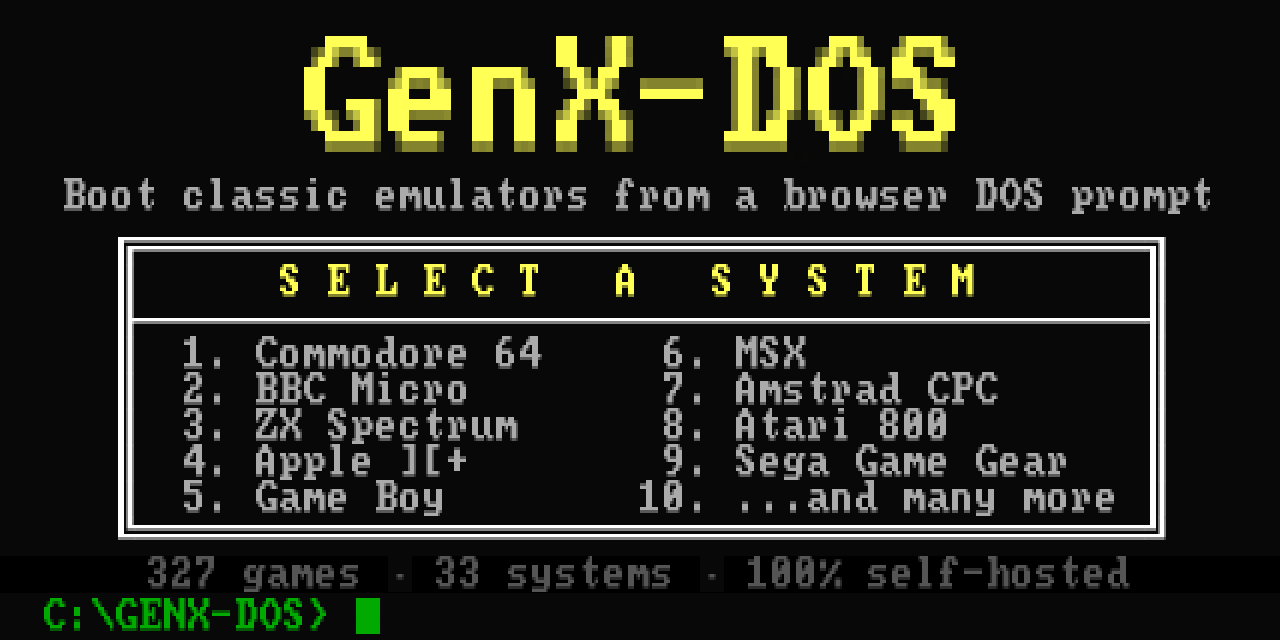
The GenX-DOS launcher: a SELECT A SYSTEM menu listing Commodore 64, BBC Micro, ZX Spectrum, Apple, Game Boy, MSX, Amstrad CPC, Atari 800, Sega Game Gear and more.
The front room. Type a number, a machine boots.

What you're looking at

A museum that boots

Behind each number on the menu sits a working replica of the real machine — faithful enough that the games can't tell the difference. Forty-year-old software actually runs.

Nothing installed, nothing tracked

The whole thing arrives in one go and runs from a single place. No downloads while you play, no accounts, no phoning home.

It has opinions

Not "the 8-bit era" — the 8-bit feel. Ten games a system, sorted by year, every control checked against the original manuals. Curated, not dumped.

See it running
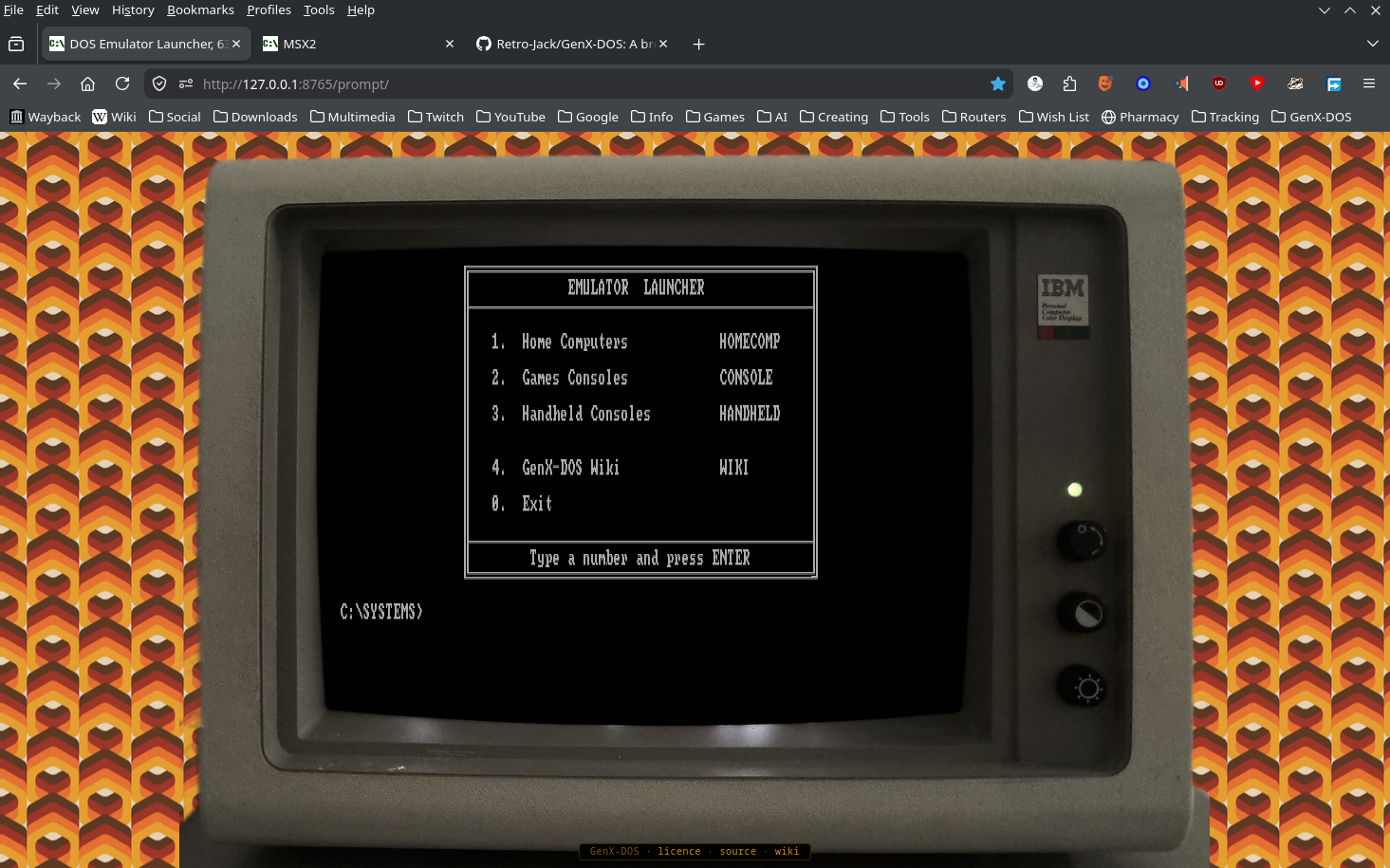
The GenX-DOS menu shown inside a photographed IBM 5153 CRT monitor on orange 70s wallpaper, in a browser tab.
The launcher — box-drawn menus inside a real IBM monitor.
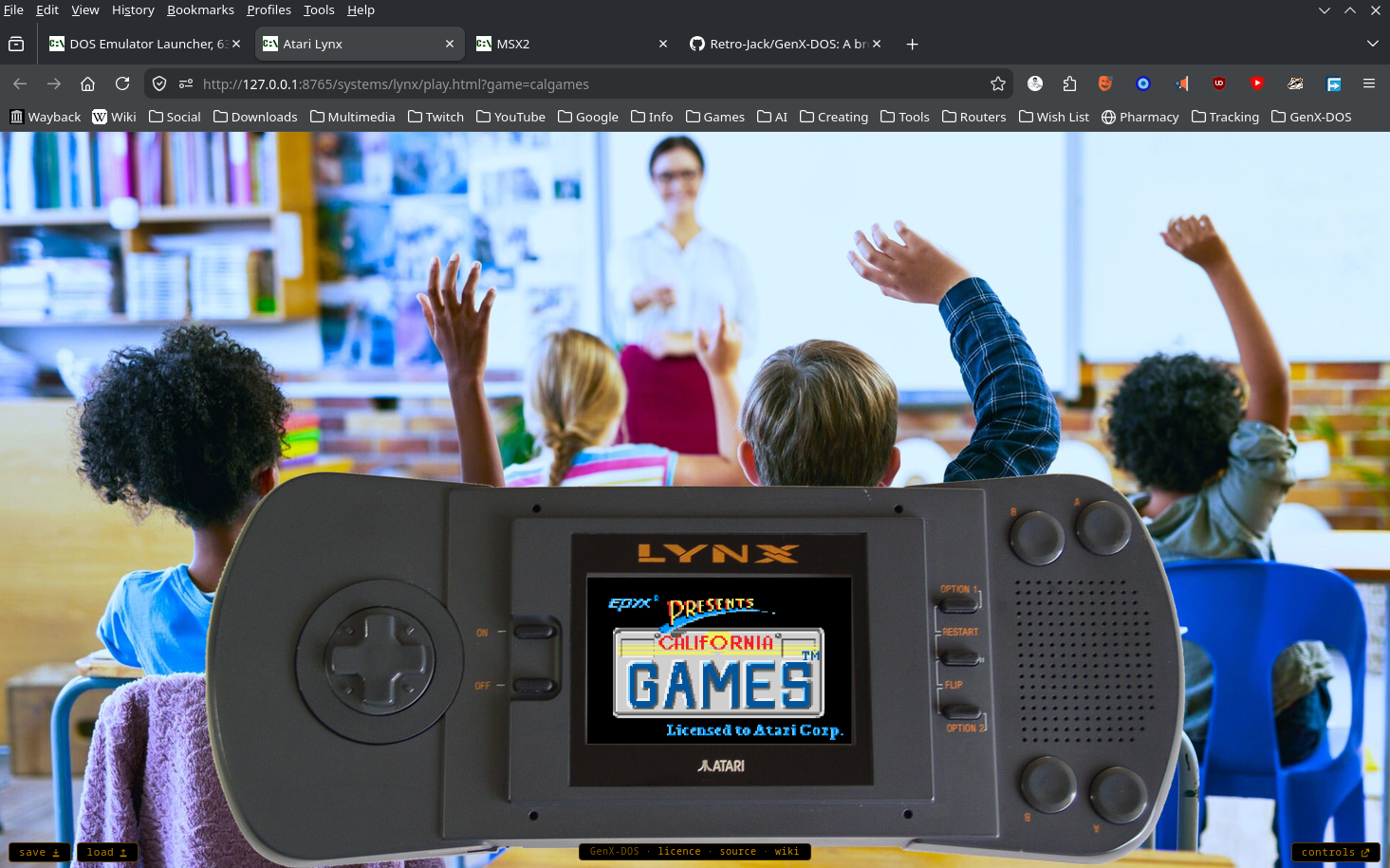
California Games booting on a photographed Atari Lynx handheld, held up in a browser tab.
California Games — running on an Atari Lynx handheld.

Spec sheet

Systems33
Games327
Emulators19
To installnothing
Tracking & downloads0

Every machine, game and page ships in one clone and runs from a single origin.

Go further